This website uses cookies and other tracking technologies to improve your browsing experience, display personalized advertisements, and analyze website performance and traffic. We may also share information about your use of our site with our social media, advertising, and analytics partners. You can opt out of the sale or sharing of your personal information for targeted advertising at any time. For more details, please see our Privacy Policy.
Scroll to top
NEWSave 22%
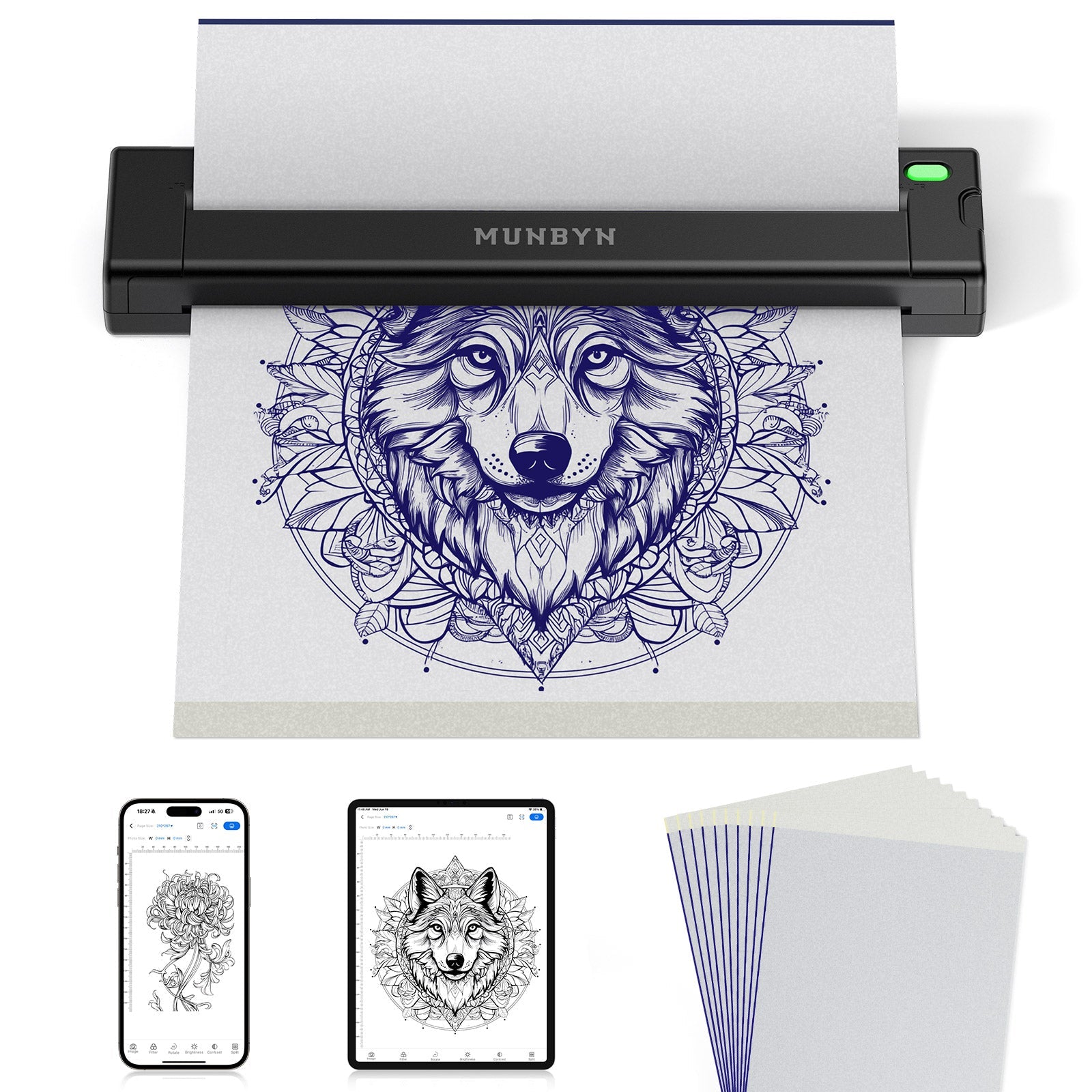
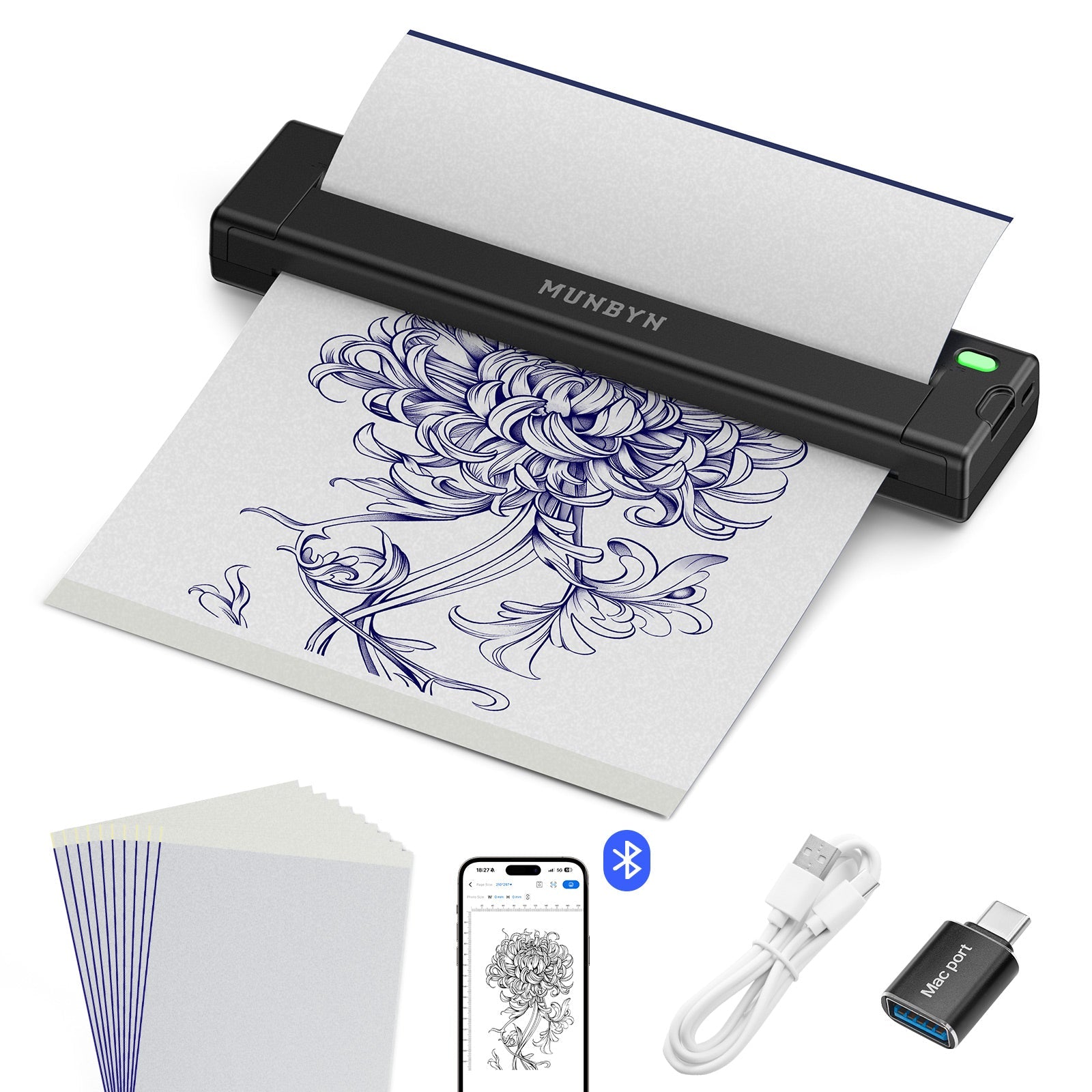
MUNBYN ITP05S Tattoo Stencil Bluetooth Thermal Printer with 20 Sheets Transfer Paper
【Ultra-Portable and Lightweight】Weighing just 2.1 lbs, the MUNBYN ITP05S tattoo stencil printer is 20% lighter and 80% smaller than traditional tattoo transfer machines. Its compact design fits easily into your tattoo kit, making it perfect for studio use, conventions, guest spots, or on-the-go tattooing. Take your art anywhere without the bulk 【Inkless Thermal Printing Technology】Experience hassle-free printing with advanced 203DPI thermal technology—no ink cartridges needed ever. This saves you ongoing costs while delivering crisp, clean stencil lines every time. Say goodbye to ink clogs, smudges, and messy maintenance. Focus on your art, not your equipment 【Long-Lasting 2600mAh Battery】Built with a powerful rechargeable battery, one full charge supports printing up to 140 sheets of tattoo transfer paper. The USB-C charging port ensures quick recharges, and 10 minutes of charging gives you enough power for approximately 10 prints. Never worry about running out of power mid-session 【Smart App with Tattoo Design Library】Download the free MUNBYN app for seamless wireless printing via Bluetooth. Compatible with iOS, Android, Windows, and Mac. The app features image editing, zoom, rotate, batch printing, and a built-in library of ready-made tattoo stencil designs—perfect for beginners who need inspiration or professionals who want efficiency Note: ITP05S stencil printer is perfectly compatible with MUNBYN tattoo transfer paper (0.16/sheet). But if you have other brands of tattoo paper, you only need to adjust the print density on the APP to print clear templates
Ships fromUK Warehouse within 48 Hours
2–4 Day Delivery · No Import Delays · Easy Local Returns
14-day Risk-free Trial
2-Year Warranty & Lifetime Support
30-day Price-Match
MUNBYN ITP05S Tattoo Stencil Bluetooth Thermal Printer with 20 Sheets Transfer Paper
Order now, ships within 48 hours
£69.99£89.99
Saved £20.00
4 interest-free payments of £17.50
Order now, ships within 48 hours
Need help?
Need help choosing the right product or placing an order?
Our MUNBYN support team is here to help. If you have any questions about products, compatibility, orders, or after-sales service, feel free to contact us at any time. We respond to all inquiries within 24 business hours (Monday–Friday).
Shipping Information
We offer free shipping straight to your door throughout the contiguous US*. It usually takes 2-5 business days* for your package to be delivered, so you can sit back and relax, worry-free.
Your ideas, your space — print wherever inspiration strikes.
Ink-Free, Worry-Free
Zero ink. Time, money, and planet-saving.
Fast to Print, Easy to Keep Going
High speed:150 mm/s = one 4×6 label per second.
MUNBYN ITP05S Tattoo Stencil Bluetooth Thermal Printer with 20 Sheets Transfer Paper
£69.99
Product details
Download our app
High-End Labels in Minutes
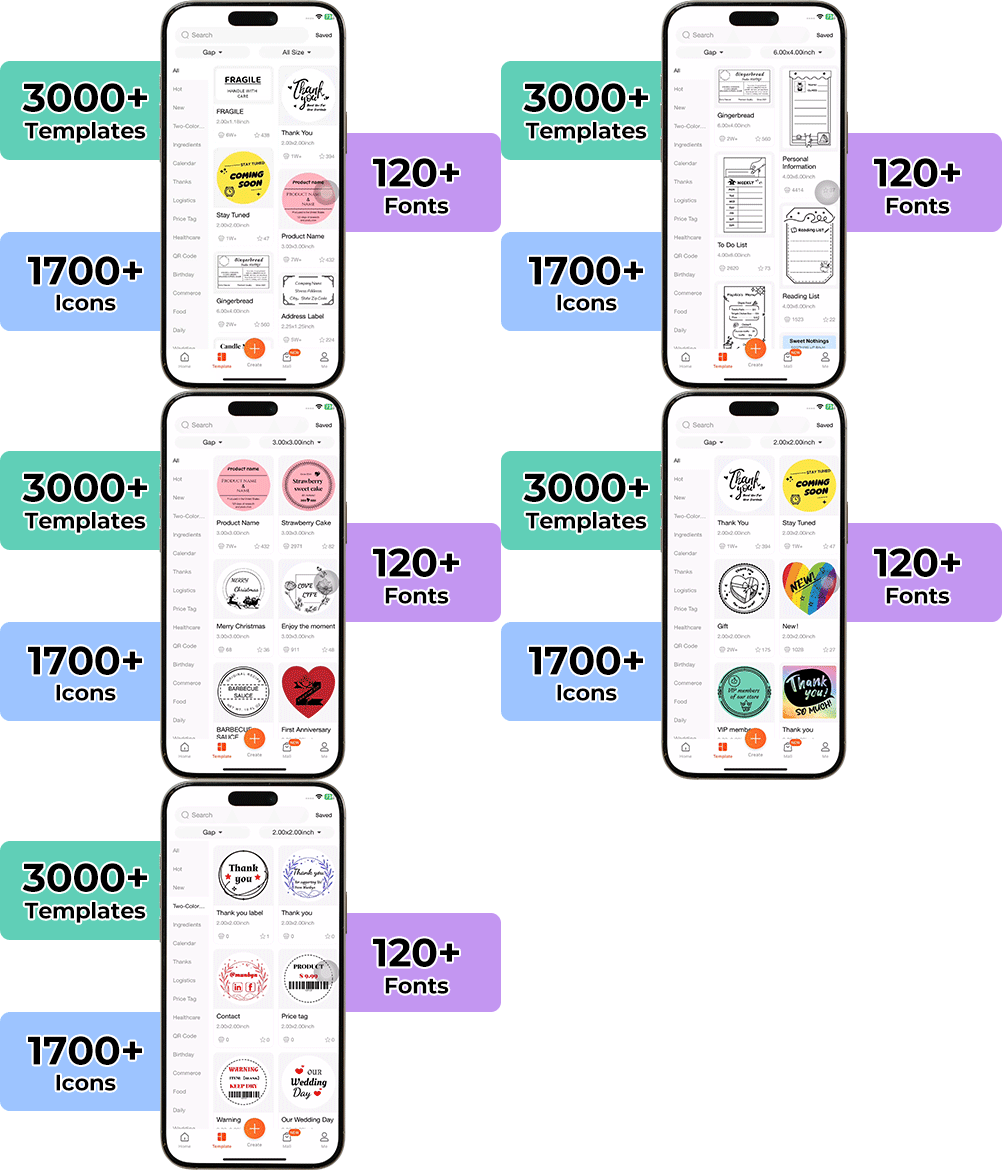
Designing custom packaging has never been this simple. Using the MUNBYN app and our versatile DIY Labels, you have a library of 3,000+ design assets and templates at your command.
Craft bespoke logos and promotional stickers that perfectly capture your brand's personality—all while keeping your budget in check.
80% of our leadership team are women, bringing empathy and innovation into every design and decision. Because when women lead, technology becomes more human — and creation becomes more meaningful.
Wireless Freedom
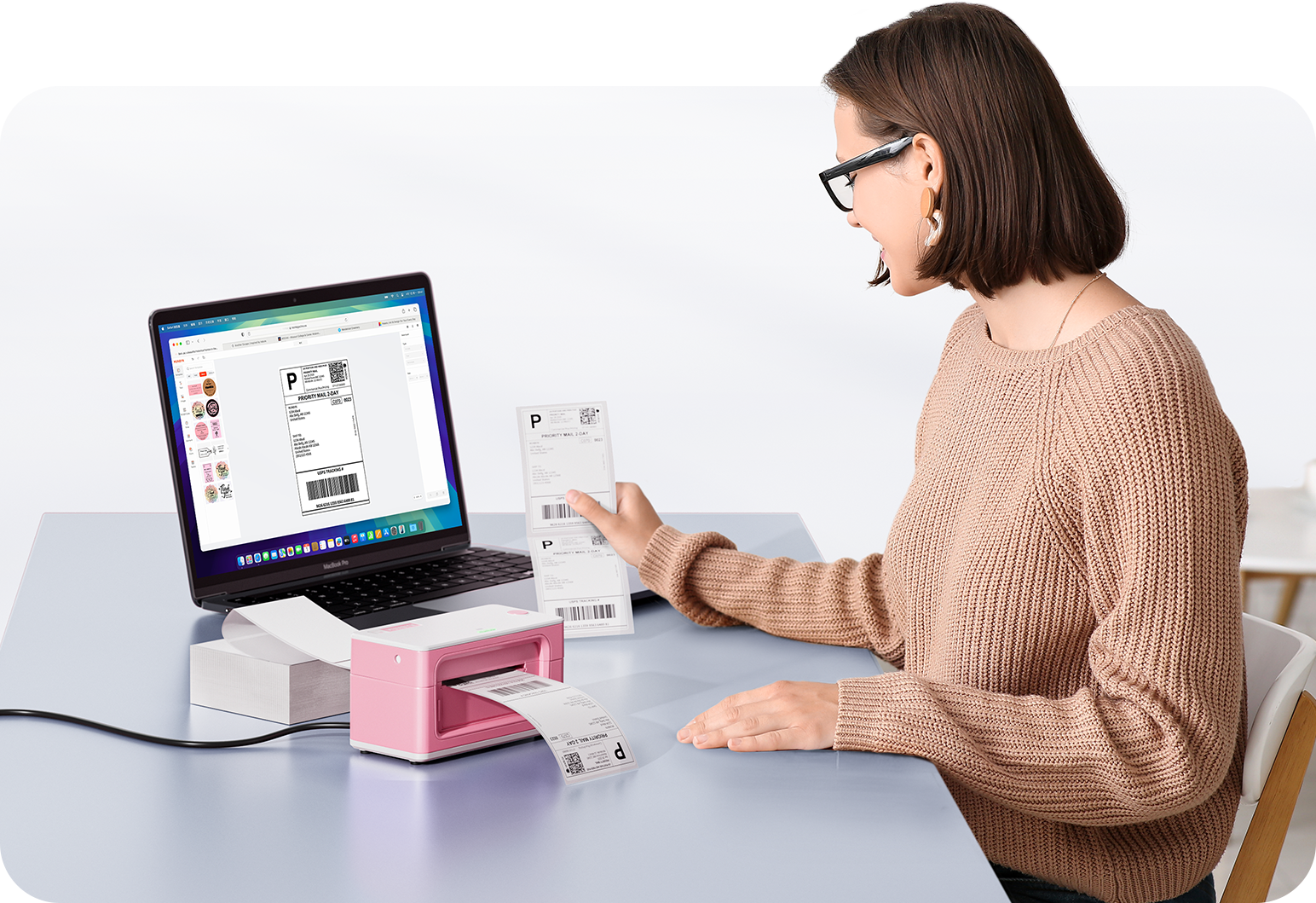
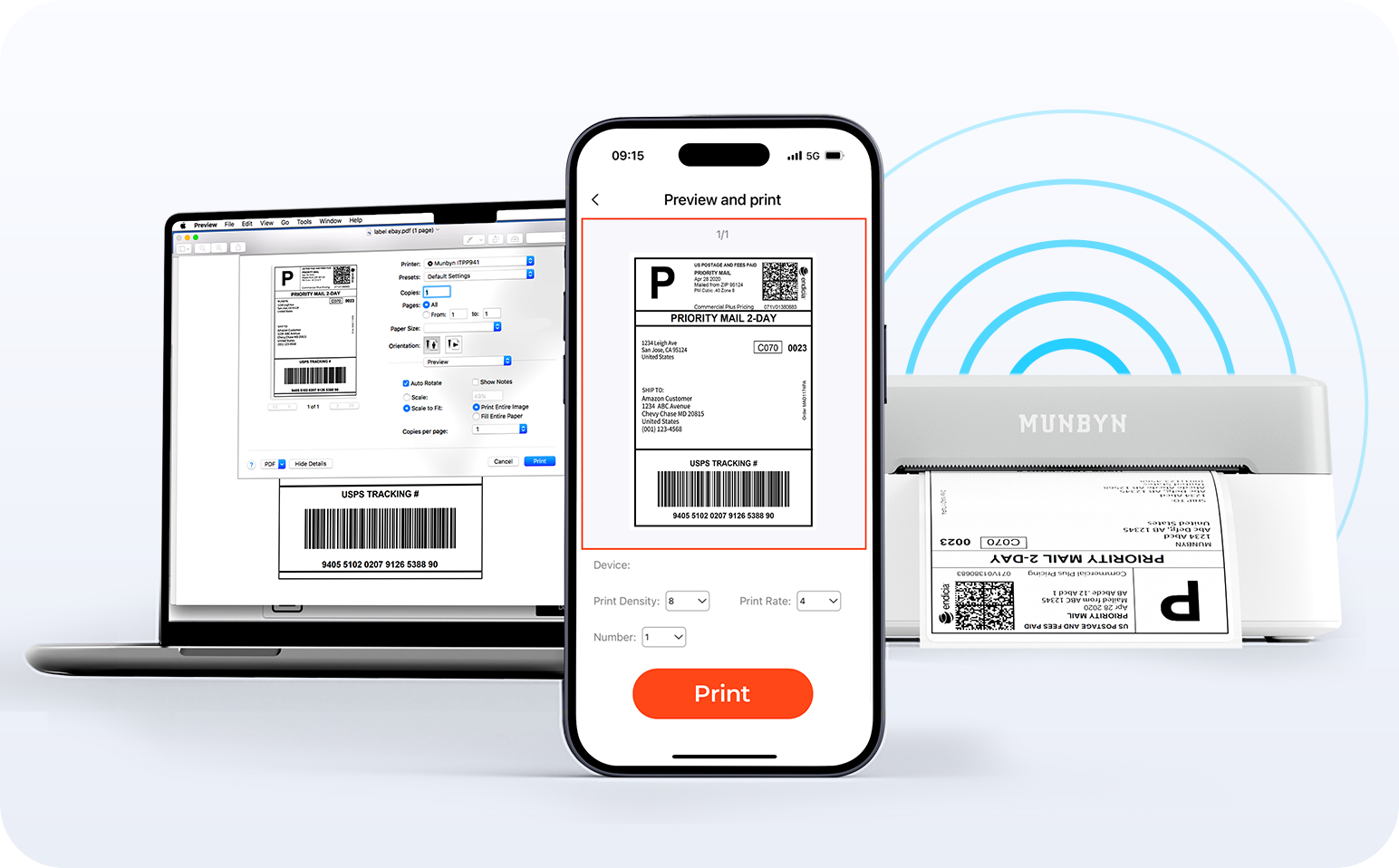
Say goodbye to tangled cables and hello to effortless printing. Enjoy instant Bluetooth connectivity wherever you work, or plug in via USB when you need it.Seamlessly compatible with Windows, Mac, iPhone, iPad, and Android—your whole workspace connected, your printing made simple.
Smart label detection
Label Freedom. Effortless printing starts here.
Supports ANY direct thermal label
4x6" 3x2" 3x1" 2x1" 4" 2"
Your MUNBYN printer automatically recognizes and adjusts to different label sizes—no manual setup needed. From 4×6 shipping labels to 2×2 logo stickers and a wide range from 40mm to 110mm wide, switching between tasks takes only seconds.
Your all-in-one tool for major marketplaces and carriers, including but not limited to
Designed to print more than 980,000* labels in shipping labels
How People Use MUNBYN
Print life and label quantity estimates are based on laboratory calculations (150 KM printhead life × 4×6" label length). Actual performance may vary due to print frequency, label material, operating environment, and maintenance conditions.
Shipping Labels
Shipping Labels
Ship Faster. Deliver Smarter.
Designed for small to high-volume fulfillment, MUNBYN printers produce crisp 4x6 shipping labels that scan instantly and stick securely.
Perfect for:
Shopify & Amazon sellers
Warehouse and fulfillment teams
Daily order processing
Reduce printing time, avoid reprints, and keep every shipment moving efficiently.
Custom Labels
Custom Labels
Your Design. Your Size. Your Brand.
Create labels tailored to your exact needs — from unique dimensions to personalized layouts.
Use for:
Product packaging
QR codes & instructions
Event or promotional labels
Flexible, professional, and fully customizable to your workflow.
Barcode Labels
Barcode Labels
Scan Faster. Manage Smarter.
Print high-precision barcode labels that ensure fast scanning and accurate inventory tracking.
Commonly used for:
Warehouse management
Retail POS systems
Asset tracking
Improve operational efficiency and reduce costly manual errors.
Fragile Labels
Fragile Labels
Protect Every Package in Transit
Clearly mark fragile items with bold, high-contrast labels that grab attention during handling and delivery.
Ideal for:
Glassware & electronics
Medical or precision equipment
Gift & premium packaging
Minimize damage, reduce returns, and ship with confidence.
Branded Labels
Branded Labels
Turn Every Shipment into a Brand Experience
Add logos, brand colors, thank-you messages, or marketing inserts to elevate your packaging.
Great for:
Small businesses & DTC brands
Subscription boxes
Boutique and handmade products
Build recognition, increase repeat purchases, and stand out in every unboxing moment.
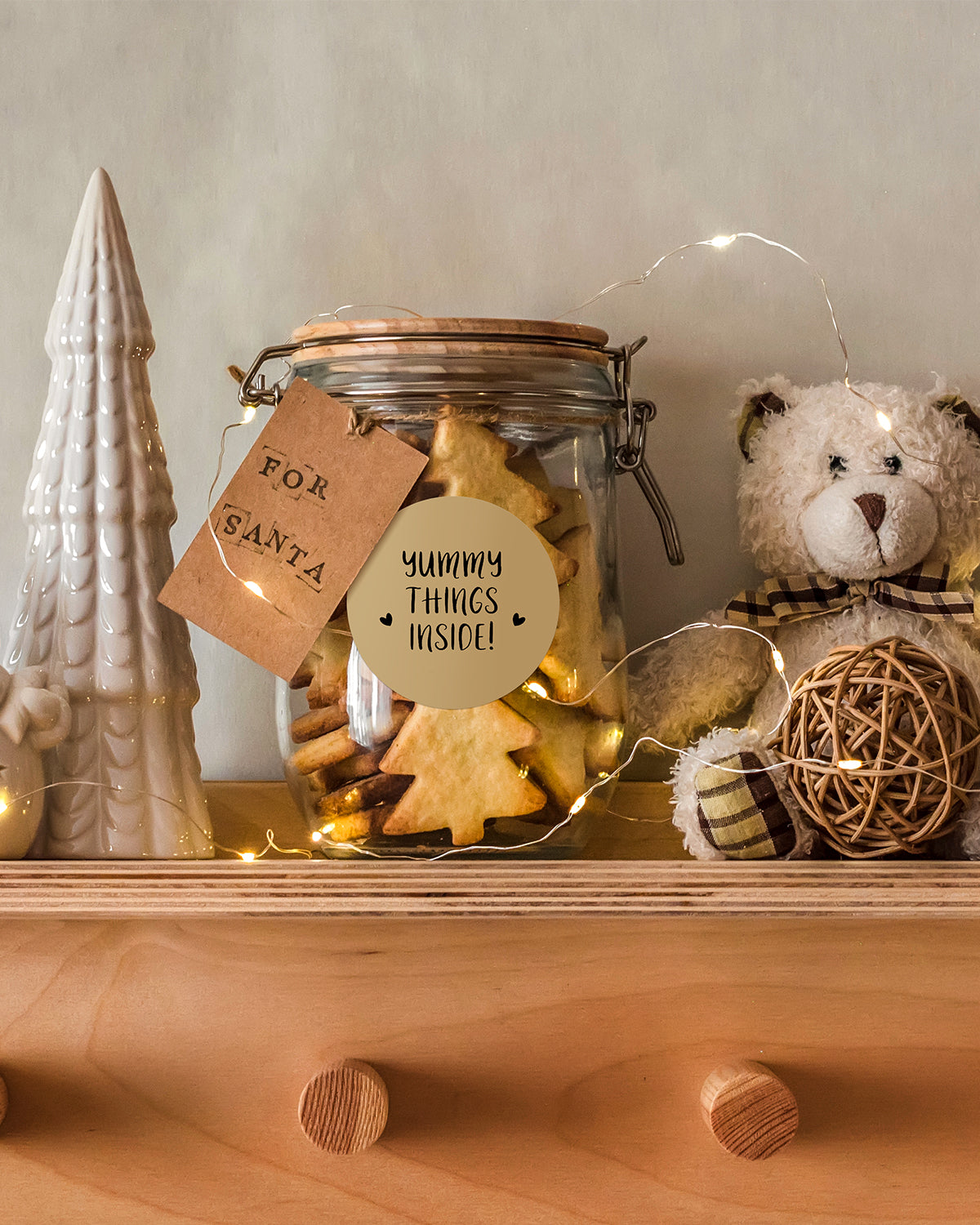
Stickers for Daycare/School
Stickers for Daycare/School
Organized. Durable. Kid-Friendly.
Print name labels and stickers that help keep school and daycare items sorted and easy to identify.
Perfect for:
Lunch boxes & water bottles
Notebooks & supplies
Clothing tags
Water-resistant, long-lasting, and made for everyday life.
What devices can MUNBYN thermal label printers connect to?
MUNBYN label printers work with Windows, Mac, Chromebook, iOS, Android, and most tablets. Depending on the model, you can connect via USB, Bluetooth, or Wi-Fi.
Do I need ink or toner?
No ink or toner is needed. All MUNBYN label printers use direct thermal printing technology—just load the thermal labels and start printing.
What label sizes are supported?
Our printers support a wide range of direct thermal labels, including 4×6" shipping labels, 3×2", 2×1", barcode labels, round labels, and custom sticker sizes (40–110mm width depending on the model). The printer auto-detects label size—no manual calibration required.
Are MUNBYN printers compatible with major e-commerce and shipping platforms?
Yes. They work seamlessly with Shopify, Amazon, Etsy, eBay, UPS, USPS, FedEx, ShipStation, Pirate Ship, and more.
Can I print from my phone or tablet?
Yes. For Bluetooth and Wi-Fi models, you can print directly from your iPhone, iPad, or Android device using our app or AirPrint-compatible setup.
Can MUNBYN printers print in color?
Most MUNBYN thermal printers print black only, as direct thermal technology does not support full-color printing.
However, the MUNBYN 405B dual-color thermal printer can print in two colors (e.g., black + red or black + blue, depending on the paper). It requires special dual-color thermal labels to achieve this effect.
For users who want colorful designs without full-color printing, we also offer a wide range of colored thermal labels to customize your branding.
Can I use the printer for both business and home organization?
Absolutely. Whether you’re printing shipping labels, barcode labels, price tags, or storage stickers, MUNBYN printers support all daily labeling needs.
What DPI do MUNBYN printers use? Is the print quality good?
Most models use 203 DPI for clear barcodes, shipping labels, and text. Some series offer 300 DPI for sharper logos, product labels, and retail branding.
Are there customization options for labels?
Yes—we offer flexible label customization, including stickers, logo labels, and creative templates for branding. Shop Custom Label Here
Free shipping and returns
Choosing a selection results in a full page refresh.
Opens in a new window.
×
Flexible Payment Options
How it works?
Select one of the following payment options at checkout. Terms, eligibility and credit checks may apply:
Terms and eligibility may vary by provider and region. Please check provider terms at checkout.
18+, credit subject to status. Late fees may apply. T&Cs apply.


 United Kingdom
 Best Seller
 Thermal Printers
 All Thermal Labels
 Money Counters
 Thermal Label Printer Kits