


 United Kingdom
 Best Seller
 Thermal Printers
 All Thermal Labels
 Money Counters
 Thermal Label Printer Kits
Don't Miss Our Biggest Sale of the Week!

PROOF 01 /READY FOR YOUR NEXT ORDER


 United Kingdom
You are currently viewing:
United Kingdom
Items in your shopping cart will be removed when you change country
Your cart is currently empty.


Product highlights
Bluetooth / USB

203 DPI Clear Printing

Supports major shipping platforms

Essential for Small Business

EU Safety Certified.

🔥Flash Sale
Limited Time Only
Don't Miss Our Biggest Sale of the Week!
Buying for a business?
Get a custom quote for potential bulk savings on approved business orders.
Print wirelessly. Any device, any OS.

Product highlights
Bluetooth / USB
203 DPI Clear Printing
Supports major shipping platforms
Essential for Small Business
EU Safety Certified.
Ships from UK Warehouse within 48 Hours
2–4 Day Delivery · No Import Delays · Easy Local Returns
14-day Risk-free Trial
2-Year Warranty & Lifetime Support
30-day Price-Match
Need help choosing the right product or placing an order?
Our MUNBYN support team is here to help. If you have any questions about products, compatibility, orders, or after-sales service, feel free to contact us at any time. We respond to all inquiries within 24 business hours (Monday–Friday).
Shipping Information
We offer free shipping straight to your door throughout the contiguous US*. It usually takes 2-5 business days* for your package to be delivered, so you can sit back and relax, worry-free.
*Please see our shipping policy for more details.
Help Center
Find everything you need in one place:
FAQ’s
Have a quick question?
Visit our FAQ page, which covers the most common topics, including:
If you can’t find the answer you’re looking for, our support team is always ready to help.
Still need assistance?
Contact Us at
Order: order@munbyn.com
Tech: support@munbyn.com
+1 628 229 3612
Mon - Fri: 7AM - 5PM (UTC-8)
Print Anything, Anywhere
Your ideas, your space — print wherever inspiration strikes.
Ink-Free, Worry-Free
Zero ink. Time, money, and planet-saving.
Fast to Print, Easy to Keep Going
High speed:150 mm/s = one 4×6 label per second.

Product details
PROOF 01 /READY FOR YOUR NEXT ORDER

PROOF 02 /PHONE OR COMPUTER

BLUETOOTH
Mobile Bluetooth printing

USB
USB computer connection

PROOF 03 /MORE THAN SHIPPING LABELS

PROOF 04 /START WITH THE APP

PROOF 05 /FROM FILE TO LABEL

PROOF 06 /MAKE IT YOUR OWN

PROOF 07 /FIT YOUR SHIPPING WORKFLOW

PROOF 08 /NO INK TO REPLACE

INK
No ink required
TONER
No toner required
RIBBONS
No ribbons required

PROOF 09 /HELP WITH EVERYDAY SETUP
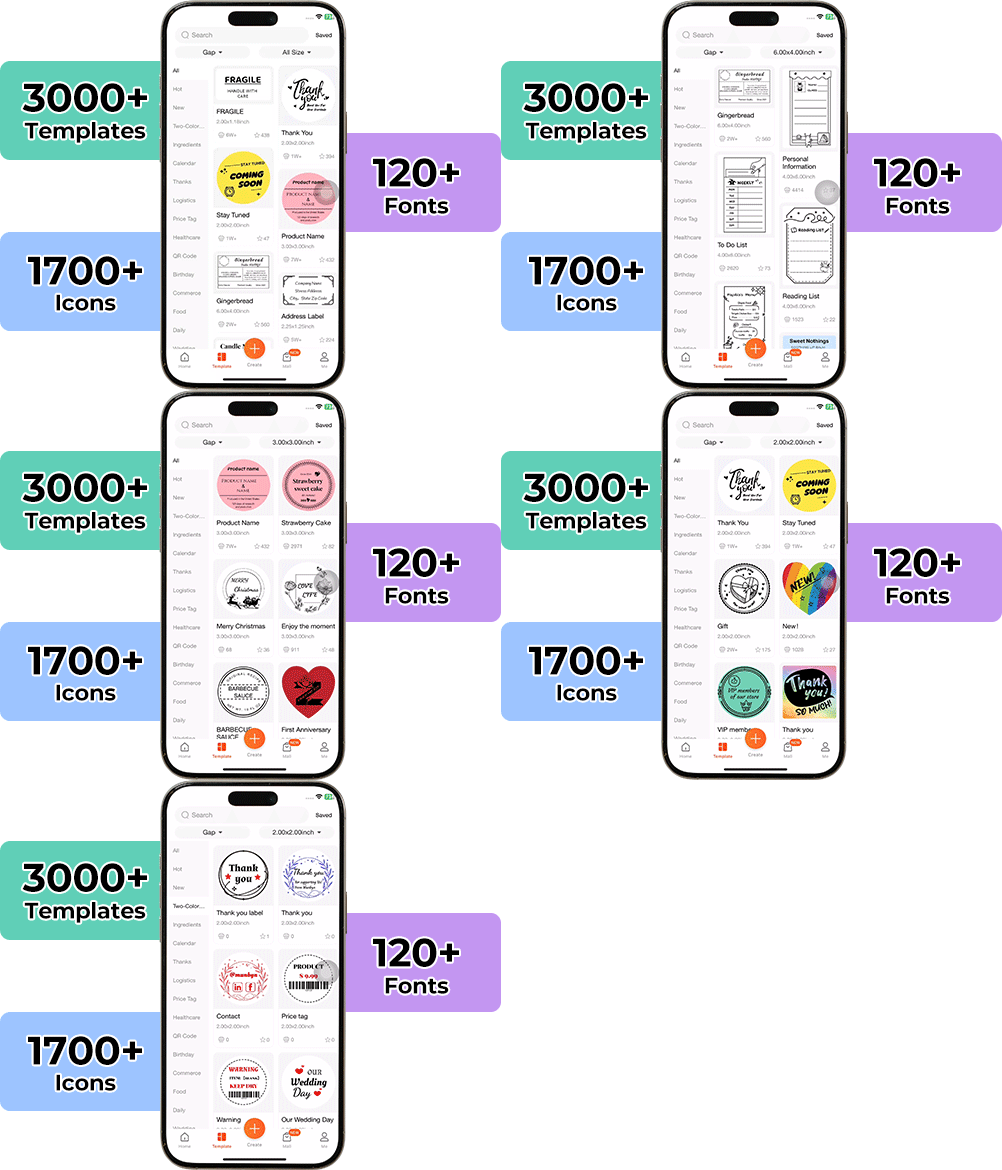
High-End Labels in Minutes
Designing custom packaging has never been this simple. Using the MUNBYN app and our versatile DIY Labels, you have a library of 3,000+ design assets and templates at your command.
Craft bespoke logos and promotional stickers that perfectly capture your brand's personality—all while keeping your budget in check.









Designed to print more than 980,000* labels in shipping labels
Print life and label quantity estimates are based on laboratory calculations (150 KM printhead life × 4×6" label length). Actual performance may vary due to print frequency, label material, operating environment, and maintenance conditions.

Shipping Labels
Designed for small to high-volume fulfillment, MUNBYN printers produce crisp 4x6 shipping labels that scan instantly and stick securely.
Perfect for:
Reduce printing time, avoid reprints, and keep every shipment moving efficiently.

Custom Labels
Create labels tailored to your exact needs — from unique dimensions to personalized layouts.
Use for:
Flexible, professional, and fully customizable to your workflow.

Barcode Labels
Print high-precision barcode labels that ensure fast scanning and accurate inventory tracking.
Commonly used for:
Improve operational efficiency and reduce costly manual errors.

Fragile Labels
Clearly mark fragile items with bold, high-contrast labels that grab attention during handling and delivery.
Ideal for:
Minimize damage, reduce returns, and ship with confidence.

Branded Labels
Add logos, brand colors, thank-you messages, or marketing inserts to elevate your packaging.
Great for:
Build recognition, increase repeat purchases, and stand out in every unboxing moment.
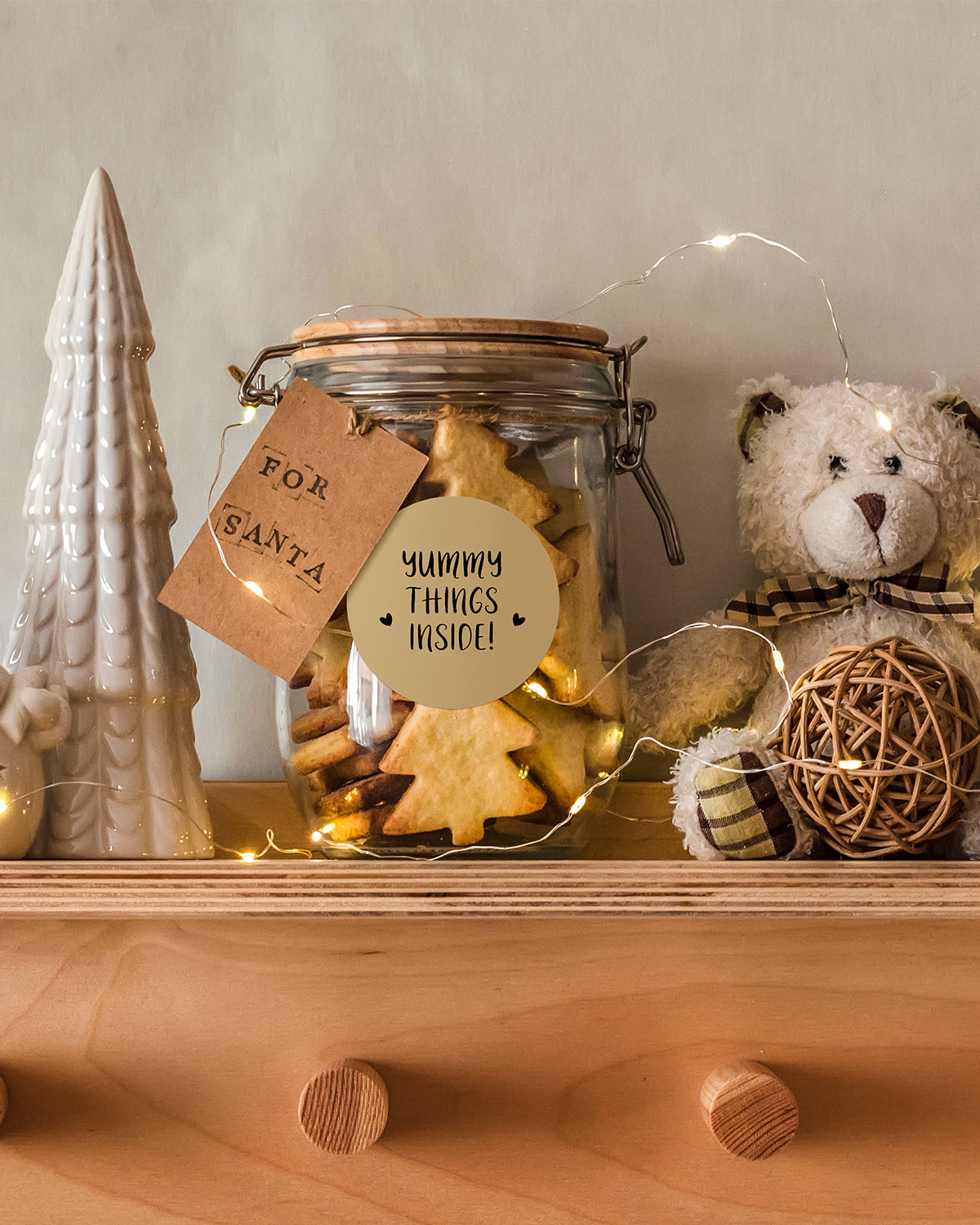
Stickers for Daycare/School
Print name labels and stickers that help keep school and daycare items sorted and easy to identify.
Perfect for:
Water-resistant, long-lasting, and made for everyday life.
Please read our FAQs page to find out more.
MUNBYN label printers work with Windows, Mac, Chromebook, iOS, Android, and most tablets. Depending on the model, you can connect via USB, Bluetooth, or Wi-Fi.
No ink or toner is needed. All MUNBYN label printers use direct thermal printing technology—just load the thermal labels and start printing.
Our printers support a wide range of direct thermal labels, including 4×6" shipping labels, 3×2", 2×1", barcode labels, round labels, and custom sticker sizes (40–110mm width depending on the model).
The printer auto-detects label size—no manual calibration required.
Yes. They work seamlessly with Shopify, Amazon, Etsy, eBay, UPS, USPS, FedEx, ShipStation, Pirate Ship, and more.
Yes. For Bluetooth and Wi-Fi models, you can print directly from your iPhone, iPad, or Android device using our app or AirPrint-compatible setup.
Most MUNBYN thermal printers print black only, as direct thermal technology does not support full-color printing.
However, the MUNBYN 405B dual-color thermal printer can print in two colors (e.g., black + red or black + blue, depending on the paper). It requires special dual-color thermal labels to achieve this effect.
For users who want colorful designs without full-color printing, we also offer a wide range of colored thermal labels to customize your branding.
Absolutely. Whether you’re printing shipping labels, barcode labels, price tags, or storage stickers, MUNBYN printers support all daily labeling needs.
Most models use 203 DPI for clear barcodes, shipping labels, and text. Some series offer 300 DPI for sharper logos, product labels, and retail branding.
Yes—we offer flexible label customization, including stickers, logo labels, and creative templates for branding. Shop Custom Label Here
Free shipping and returns


