Featuring a crisp 300 DPI resolution, the MUNBYN RW401AP AirPrint Thermal Printer delivers shorter print times and requires fewer commands, ensuring efficient and swift printing for your business needs. Say goodbye to long wait times and complicated printing processes.
MUNBYN RealWriter 401AP AirPrint 300DPI Voice Controlled Thermal Printer Kits
AirPrint 300DPI Free Gifts
Valentine's Day Sale
15% OFF- Fashionable appearance: The metal shell can refract different colors under different light sources. If you like cyberpunk, you'll like the RW401AP label printer too!
- Ultra-Fast Wi-Fi: The Wi-Fi connection at 1300Mbps is 3 times faster than the traditional 2.4GHz connection. Furthermore, this higher frequency band excels at minimizing signal interference from other routers and devices. Experience no congestion even when 10 devices are connected to the printer simultaneously, ensuring a consistently stable and rapid network connection.
- Ultra-convenient AirPrint: The newly upgraded RW401AP wireless thermal printer has realized AirPrint driverless printing. You no longer need to download the driver for macOS. Through the Munbyn Print app, you can connect your iOS devices to Wi-Fi without downloading the file for a smartphone. You can easily print now!
- Rohm Printhead -300dpi: The Rohm printhead selected for the MUNBYN wireless thermal label printer has a unique new structure that increases the durability by 3 times and the printing results by 20%, ensuring the clarity and stability of the print quality.
- Broad Compatibility: The Wi-Fi Label printer is compatible with Amazon, Shopify, eBay, Etsy, UPS, FedEx, and other major shipping partners and Marketplaces. It is suitable for direct thermal labels with widths ranging from 40 to 110mm, including envelope labels, package labels, address labels, barcode labels, and labels for home, kitchen, and office.


With 2.4G WiFi support, the MUNBYN RW401AP AirPrint Thermal Printer allows up to ten devices to connect simultaneously. This makes it ideal for small businesses with multiple users who need to print simultaneously. Moreover, it works seamlessly with iOS, Mac OS, Android, and Windows operating systems, ensuring smooth integration into your existing setup. Now, everyone in your team can efficiently print without any hassle.


Experience true convenience with the AirPrint function. No need to download files or install additional software. Simply use the AirPrint feature to print directly from your device, saving you time and effort. Enable or disable printing with just one click, eliminating the need to download drivers or go through complex setup processes.


The MUNBYN RW401AP AirPrint shipping label printer is compatible with a wide range of shipping labels from various carriers. Whether you're printing labels for UPS, FedEx, USPS, or other shipping providers, this printer has you covered. Enjoy fast, efficient, and hassle-free printing for your small business needs.


Best Printer Ever!I couldn’t be happier with my Munbyn printer. The quality is outstanding, fast, reliable, and perfect for all my printing needs. What truly sets Munbyn apart is their customer service. Every interaction has been smooth, friendly, and incredibly helpful. They go above and beyond to make sure you’re satisfied, which is rare these days. It is great for the money paid for. Great Quality and compact size. Perfect for any business or crafters.If you’re looking for a printer that delivers excellence and a company that genuinely cares about its customers, Munbyn is the one. Highly recommend!
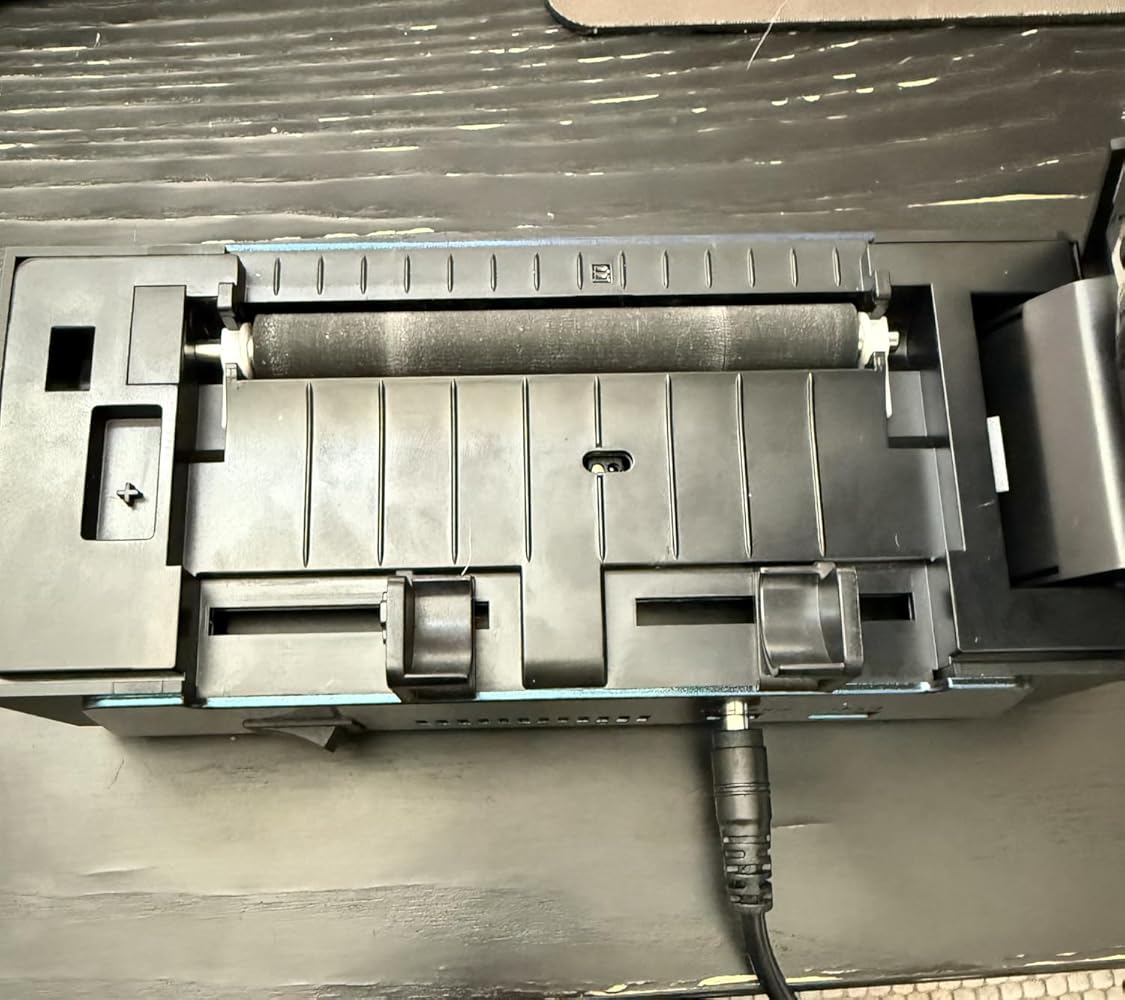
Setup was very difficult. Would not print after installation. Had to call tech support to get it to print. And now after 2 months, the adjustment slider for the label size is not working in tandem. Overall the product works great once you have it set up. Called customer support and they stated they will send a replacement. I will update this review when I receive the replacement.
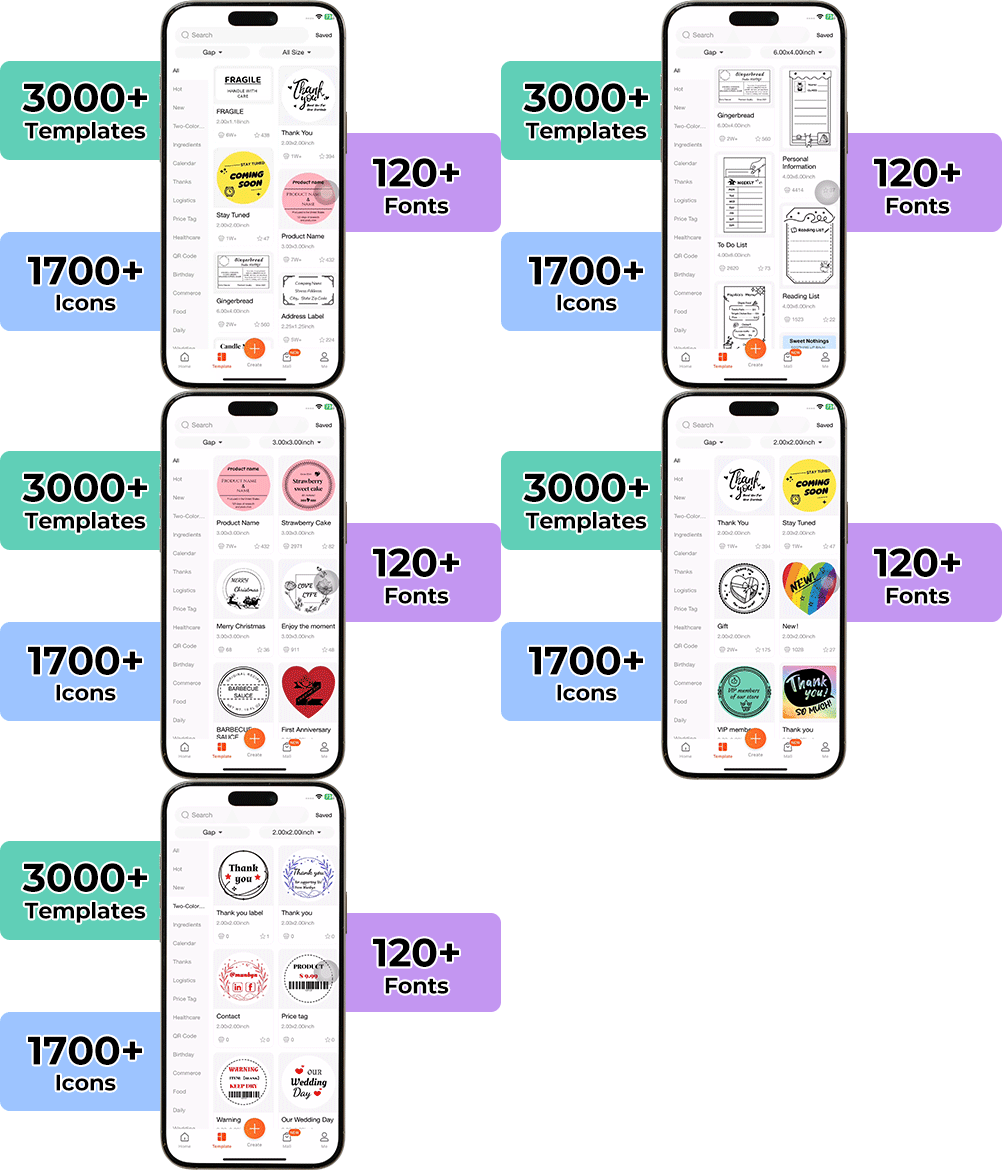
SO easy to use with AirPrint option! I can print right from my iPhone and iPad from apps like Poshmark, Mercari and EBay. You can also print stickers and things from the Munbyn app since it connects with Bluetooth! It’s a great size, which makes it functional in a small apartment/office. And the customer service is TOP notch! I had a question about set up and they were there to help. Don’t hesitate to buy this printer. You will not be disappointed!
Hi! I received my new “BLUE” thermal printer from Munbyn, and I must say I am impressed! Upon arrival, it was in pristine new shape, ready for usage. Initially, when I conducted several test prints, it was quieter and faster than my prior model from Rollo. It is noteworthy that the Munbyn model possesses a funny & distinctive function known as voice speech, which initially astonished me, as my prior printer lacked this. I selected this primarily due to its color; but furthermore upon my testing, the printing quality during my tests was excellent, and the app setup was straightforward. After a few days, the labels were still in a deep black print and functioned as intended just as day one. Ultimately, this is vastly superior to the last one I had from Rollo, the sole reason, again, I chose this one is its unique dark blue finish that most don’t have. I have owned the Rollo wireless printer for several years, but I have hardly use it. Recently, the Rollo began to malfunction; labels were not printing as dark enough, and label paper was getting stuck from the inside on the left adjustment slide. I am grateful I discovered this and decided to try it. Thanks again Munbyn!
I previously had another 300 DPI MUNBYN thermal printer, but this is the one to get! Installation is simple, it comes with a USB and USB-C converter. Since I had already installed the driver from my last printer, I didn’t need to reinstall anything. Connecting to Wi-Fi through the app was quick; if it doesn’t connect right away, just try turning the printer off and on.I frequently switch between different label sizes, and this printer does not waste a label after detecting the size. Prints are clear, fast, and efficient.Was confused when I received the package because it said "voice intelligence." The listing does not specify this. Had to look through the manual (page 23) for what the commands are for. The commands are: print test page, learn label, take one label (pulls out a label), printer reset and to turn off voice.