Color
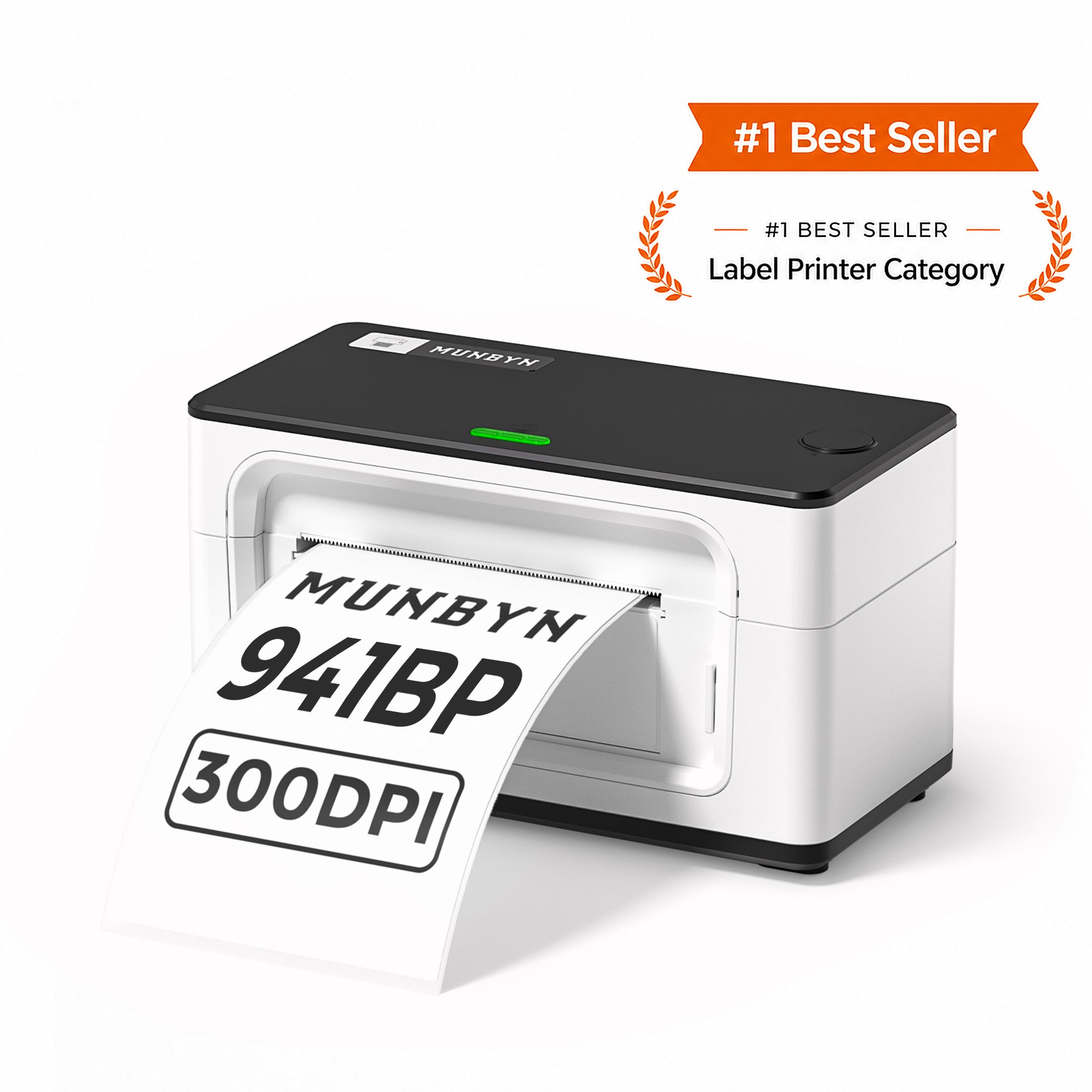
MUNBYN 941BP Bluetooth Thermal Label Printer 300DPI
Bluetooth/USB 300DPI Free Gifts
Valentine's Day Sale
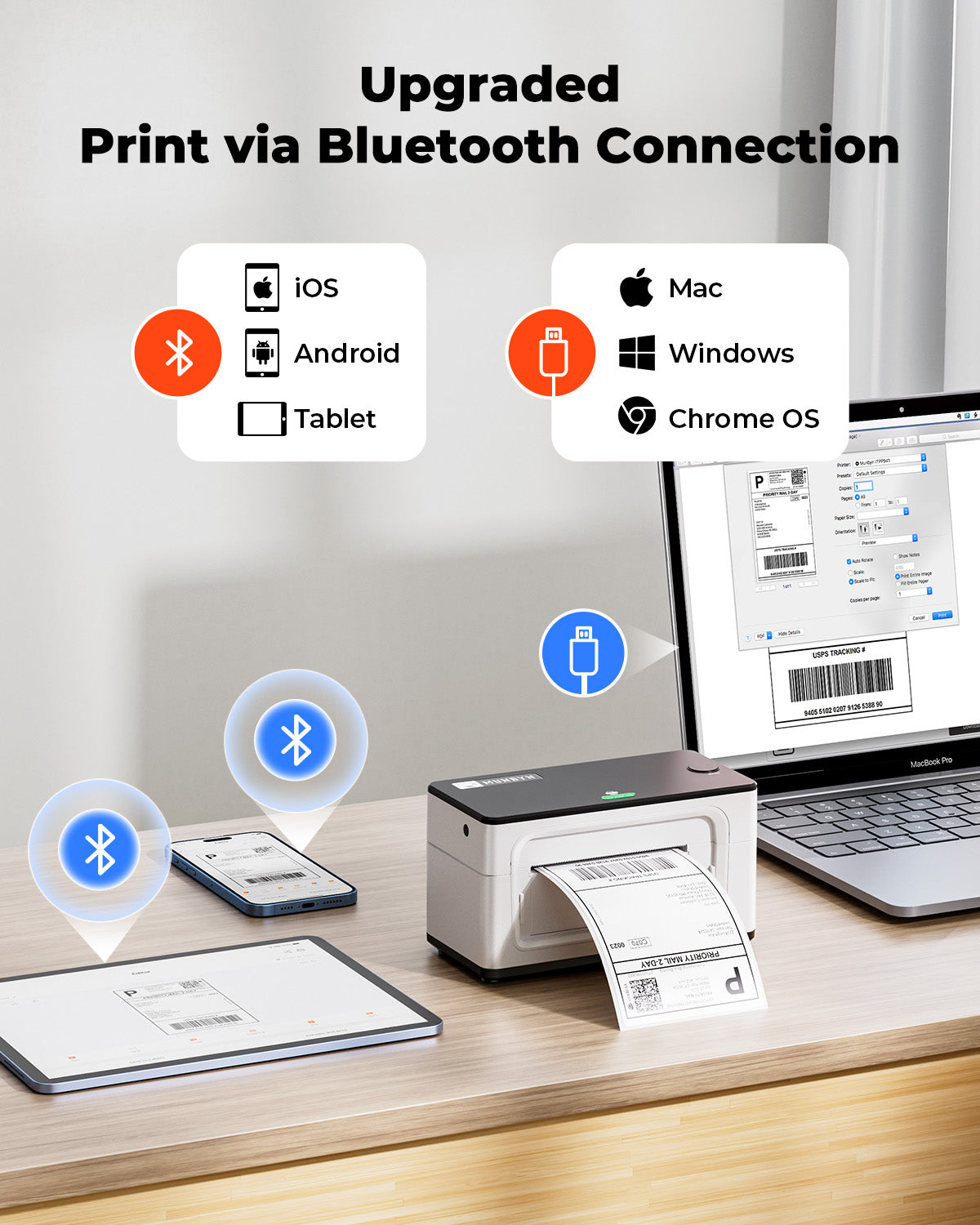
18% OFF- Bluetooth connection: Print anytime and anywhere. Bluetooth is only available for iOS/Android phones and tablets, while Windows, macOS, Linux and Chromebook can only be connected via USB
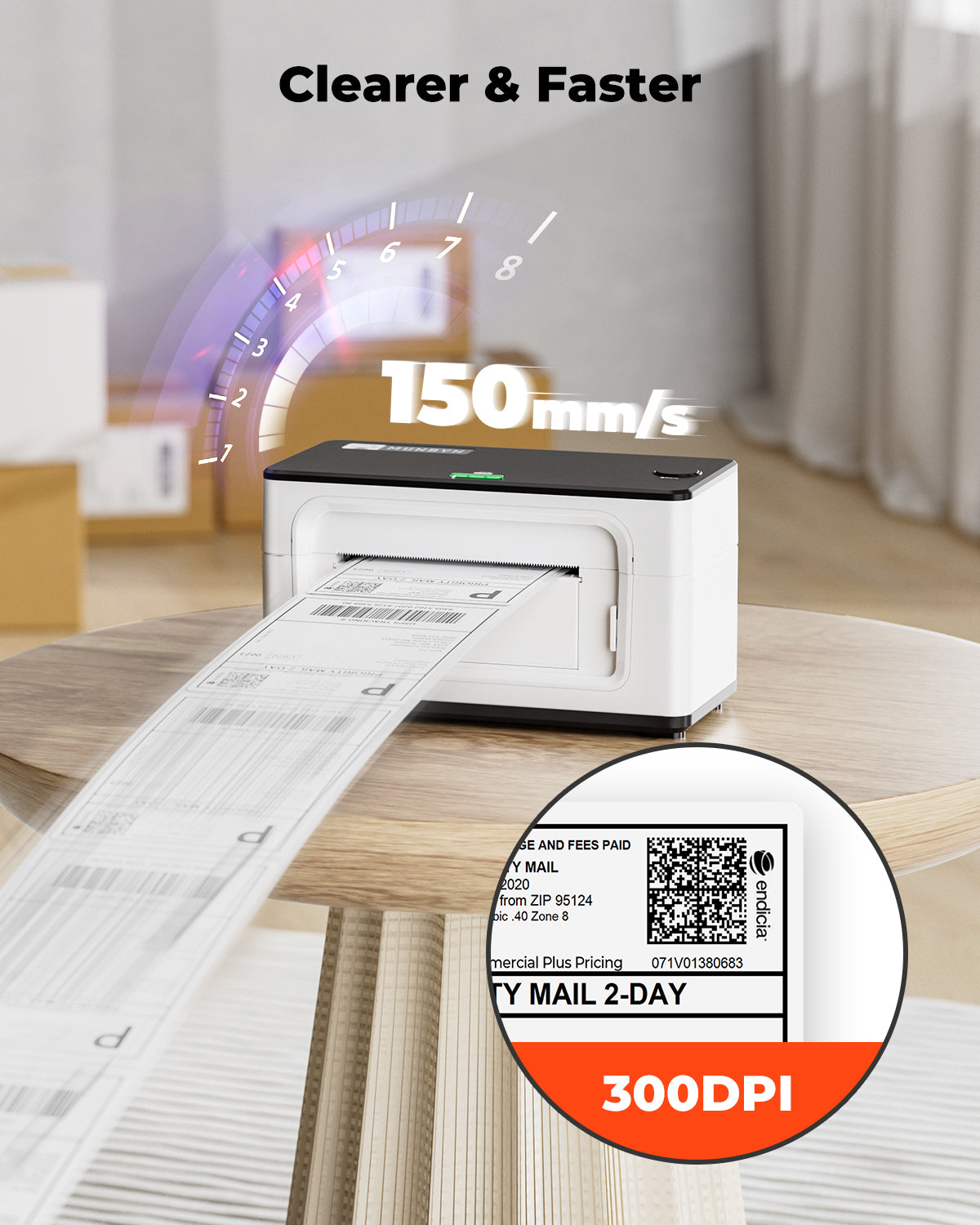
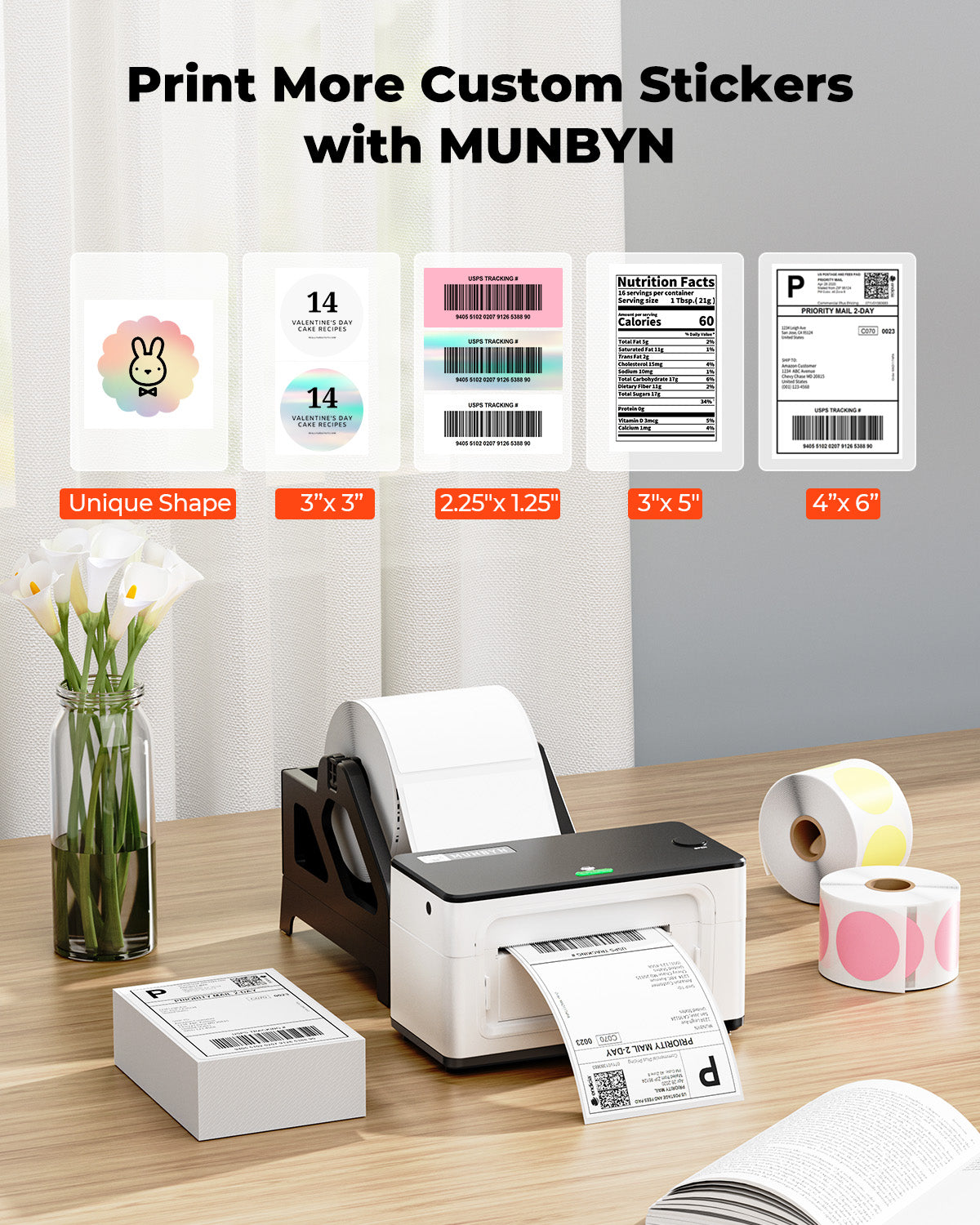
- 300DPI resolution: MUNBYN RealWriter 941 300DPI Bluetooth shipping label printer is equipped with resolution 300DPI Japanese ROHM printhead. It can print high-definition icons, logos or various labels for you, including shipping labels, commodity labels, file folder, barcodes and name labels
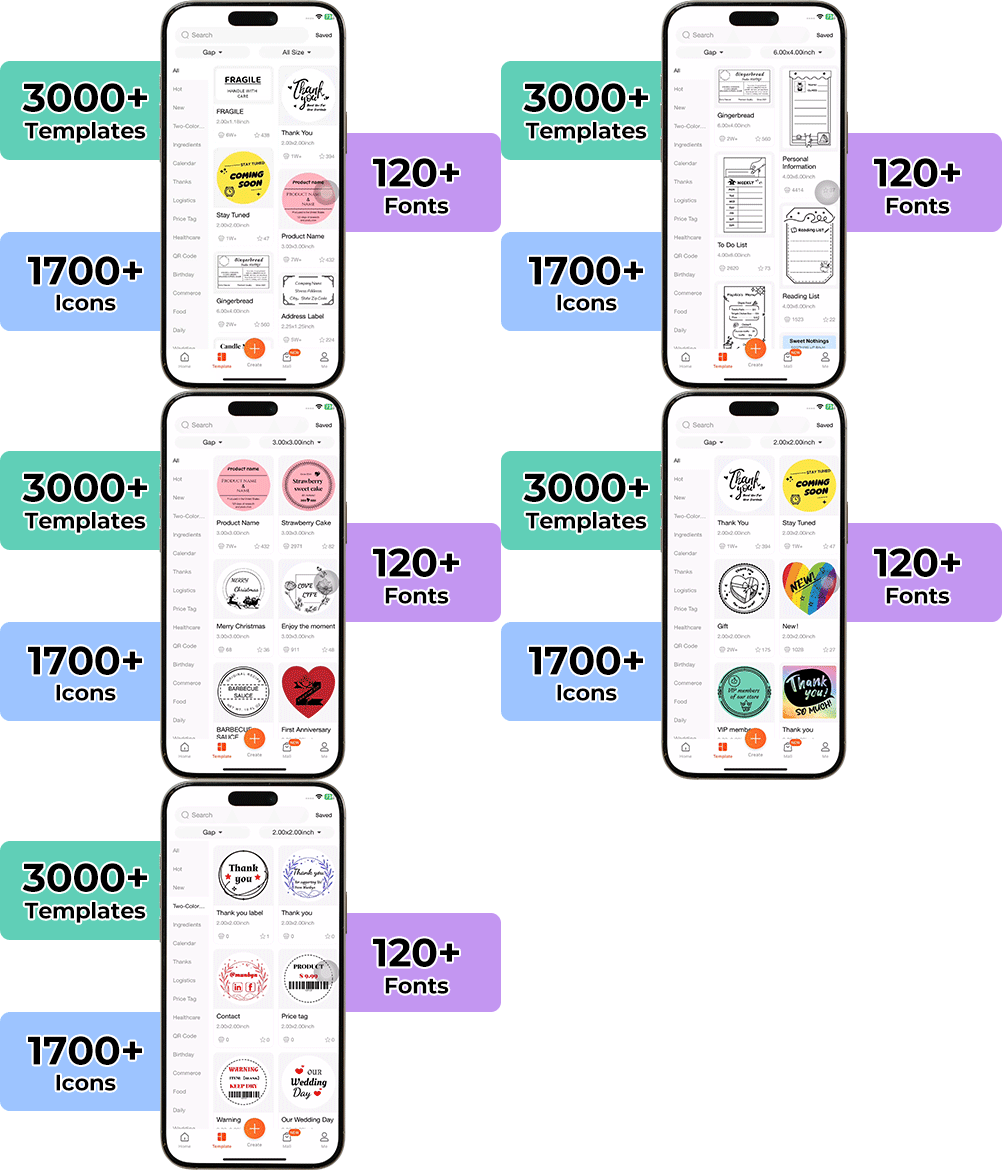
- Download the MUNBYN Print app from Google Play or App Store. The app offers templates, patterns, and icons-Abundant materials for your creative DIY label content. In the app, you can also upload and share the edited label content with other users. Get your ideas seen
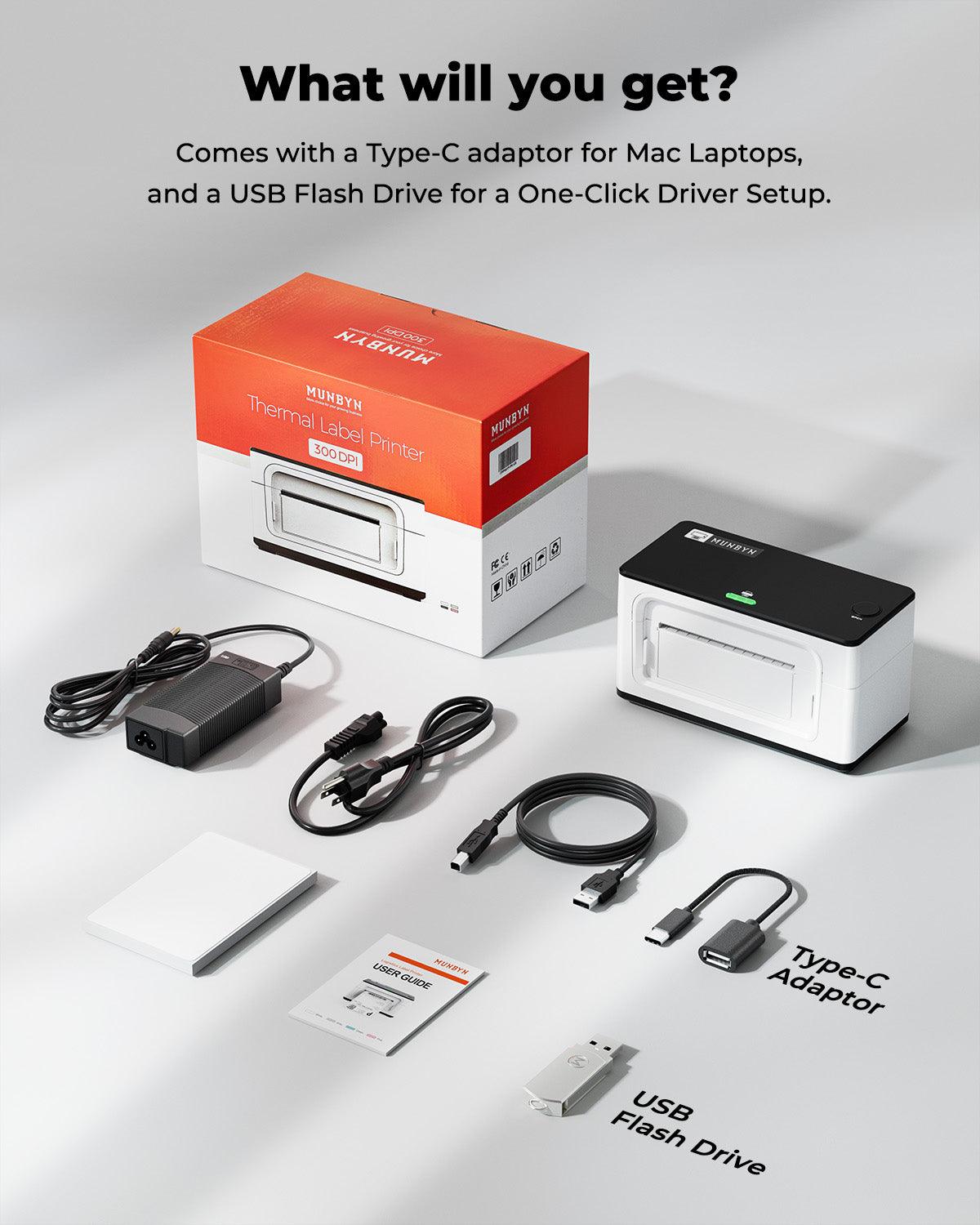
- One minute to set up, money and time saver: USB connection is compatible with Windows, Mac and Chrome OS systems. To print without a driver, use the Chrome browser (except for Windows system). For more advanced settings, a quick download of the driver is recommended
- Easy calibrating labels: MUNBYN 4x6 label printer calibrates your labels automatically, bringing more convenience to your business. MUNBYN shipping label printer can print labels from 40 to 110mm wide
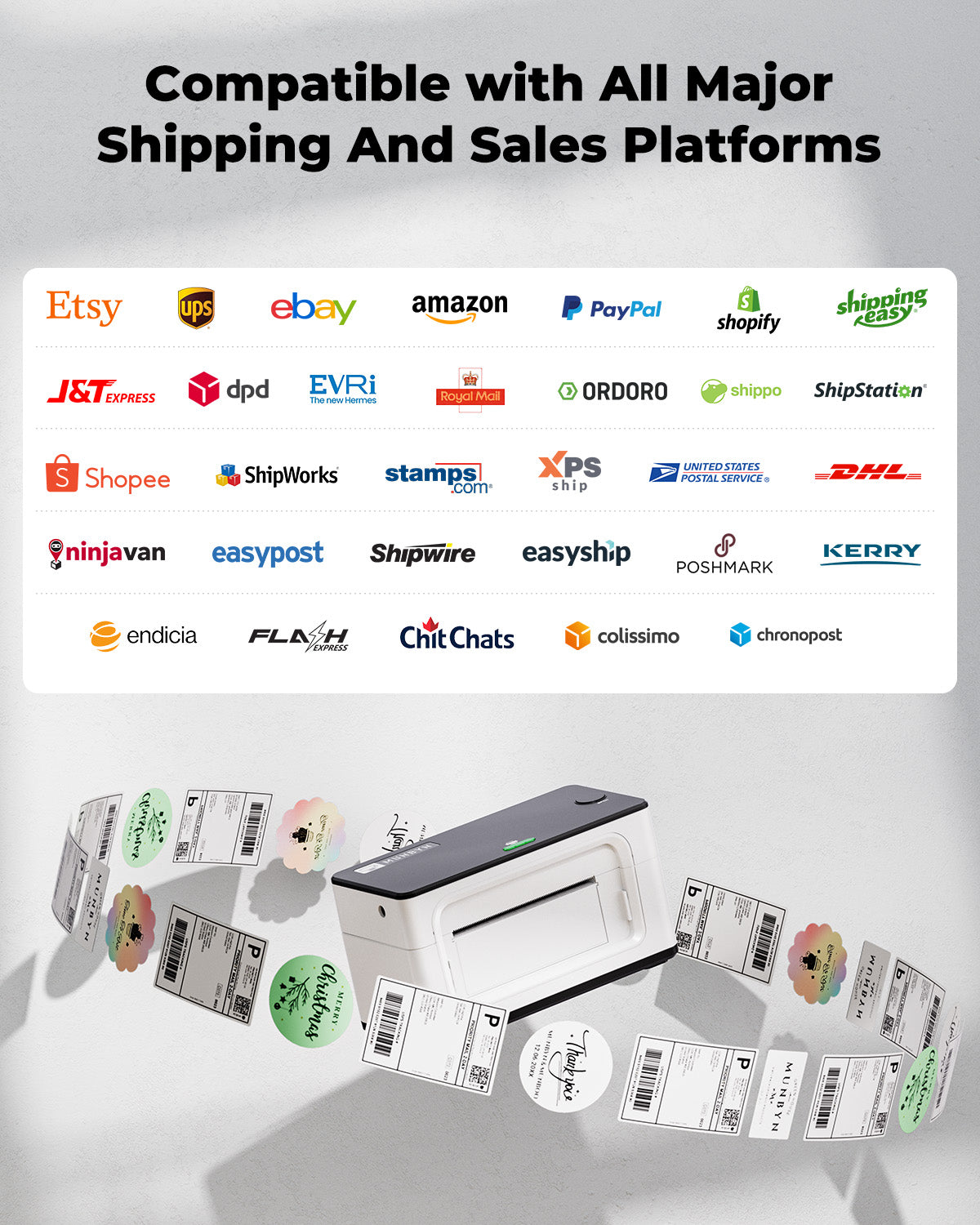
- Broad compatibility: MUNBYN thermal label printer compatible with major shipping and sales platforms like Shopify, Etsy, eBay, Amazon, Royal Mail, FedEx, DHL, DPD and Evri
- With MUNBYN labels: 180mm/s High-Speed Printing Speed, nearly 72 labels per minute can help you cope with the high volume of shipping orders. You can print clearly on MUNBYN thermal labels, preventing the barcode from not being scanned and causing the package to be lost


SET UP:This little beast is a must-have for any small business!!! The set-up was pretty straightforward as the videos, PDFs and guidance they supply are very useful. Initially, I had some issues with the templates on their phone app not working correctly (it wasn't printing the whole image) for some odd reason (after the image had been edited and flipped from portrait to horizontal) but within 2-3 days (after I contacted them via WhatsApp) they have managed to amend the templates to work correctly. A negative point which I wish could be improved upon is; that each time you change the label set-up, the machine needs to recalibrate and it ends up using a few labels that cannot be used for printing. This can be problematic if you switch label sizes often. I end up using them for other tasks in the business but wish there wasn't so much wastage as they are quite costly.CONNECTIVITY:I have never purchased the previous 203DPI model so it is hard to compare them but this is their latest 300DPI option is brilliant because it includes multiple methods of connectivity. You can connect through your desktop/laptop using a USB cable and through Bluetooth via your mobile. These options make it desirable.PICTURE QUALITY:It is unbelievable that an inkless thermal printer can produce such clean and crisp images. The amount of money you will save in the long run is unbelievable! You may think this is expensive but it is a long-term investment and worth every penny! One word of advice I would give is to use PDF format as opposed to JPG when designing. I realised a world of difference when I changed the format to PDF.FLEXIBILITY:Although you can use their app and templates, there is the flexibility of using other templates too. I have used Canva here which has worked fabulously with this printer.ROYAL MAIL POSTAGE LABELS:Initially, I thought printing Royal Mail postage labels was going to be time-consuming for me as unfortunately, WIX don't have any free integration options with Royal Mail but I discovered an amazing fix for this. If you use their Click and Drop service to create the label, when it comes to downloading them there is an option to download them in A4 size or next it there is another tab that says something like label printing. If you select this option it automatically creates a 6" x 4" label so there is no need to crop anything. You just download it to your mobile or desktop PC and print it straight through the Munbyn App. Amazing!LABEL CHOICES/PRINTER COLOUR OPTIONS:Multiple thermal labels can be purchased for this printer. Although they may seem expensive, you are saving a lot of time and effort and it is worth the investment. My only suggestion for improvement would be to have more variety in the sizing and colours of them as they are limited in both. I think having some smaller-sized ones would be useful too. Also, I wish they had more printer colour options available. This 300DPI version which is their latest model (as of Feb 2024 when I am typing this) is only available in the pink/white combination. I wish they had it in a black and white combination as it is more sleek.ADHESION:The adhesion on these stickers is extremely strong and they are durable too. You may think the stickers are quite expensive compared to cheaper versions but truthfully you get what you pay for. In quality and feel Munbyn is incomparable!CUSTOMER SERVICE:The customer service team are approachable and open to listening and resolving any issues as soon as possible so that is always a great sign plus I think as standard the printer comes with a 2-year warranty.OVERALL:As a small business owner, saving time is imperative. Anything that saves me time and money is priceless and I think Munbyn have done a fabulous job here. I would highly recommend their product and services to everyone!!! :)
300DPI!This printer prints at 300DPI which is fantastic. Don't bother with the cheaper ones at 200DPI if you value a high quality print. The cheaper printers wouldn't print the return address clearly which was my main reason for going with this.This is a faff if you're doing single prints but there is a trick. You have to turn the printer off. Feed your paper, be accurate while doing this bit. Line up the end where the tear off is and then turn the unit on. It'll print a single label. I say it's a faff because sometimes it messes up and prints 70% of the label than the full label.My unit arrived with a dodgy Bluetooth module but I've got it hooked via USB so all is good. I'd still buy it again for the print quality alone.
I bought this with 6x4 labels and 57mm x 32mm labels. Loading the 10 sample labels was simple and worked well.I then inserted the 6x4 labels I bought (also Munbyn brand) and everything was fine, just a pity you get two wasted labels every time you load.The I needed to use my 57mm x 32mm (also Munbyn) labels. I loaded them in, pressed the button, waited for the beep. The printer buzzed the labels back and forth, printed a test page and spewed a load of labels. Switch off the printer, back on, tried again. No test page this time. But when I tried to print 3 57mmX32mm labels it printed them as if they were a little larger than 6" - print in wrong place and lots of wasted labels in between.Third time lucky and they were recognised properly, at a cost of 40-50 wasted labels.I'm feeling nervous about switching between different label types, but other than that ... the print quality is EXCELLENT. Miles better than the standard 205dpi you seem to get from other label printers. I bought this to replace my Dymo 450 twin, and couldn't understand when looking for a new label printer why so many have lower resolution than the Dymo that was 10 years old or more.I would recommend this 300dpi label printer to anyone, but additionally would say that if you want to print labels from a roll you should buy a label holder (the Munbyn one cost me £14.99). The 6"x4" labels worked well just from the box they came in.
If you’re on the hunt for an efficient and reliable thermal label printer, the MUNBYN USB Thermal Label Printer 300dpi certainly deserves your attention. Designed with small businesses in mind, this printer stands out for its remarkable 300dpi resolution, ensuring that every shipping label is crisp and professional. Whether you’re sending packages through Amazon, eBay, Etsy, Shopify, or any major courier service like Royal Mail or FedEx, this printer effortlessly adapts to your needs.Setting up the MUNBYN printer is so simple. The plug-and-play functionality means you can get started almost immediately without dealing with complicated software installations. Once it’s up and running, you can easily create and print labels in various sizes, with the 4x6 format proving particularly useful for shipping needs.One of the standout features is its speed. For small business owners who often find themselves drowning in orders, the fast print speed significantly reduces waiting time, allowing you to focus more on growing your business rather than being bogged down by logistics. The quality of the print is truly impressive, as each label emerges sharp and clear - an essential aspect when clarity matters for shipping and handling.Compatibility is another area where the MUNBYN printer shines. It works seamlessly with popular platforms, making it adaptable for a range of business environments. Whether you’re printing labels for your online store or managing orders from different marketplaces, this printer can handle the task with ease.Durability is also noteworthy. The sturdy build suggests this printer can withstand the rigors of daily use, which is crucial for any busy small business. It doesn’t just look good on your desk; it’s a workhorse that can handle your printing needs without faltering.Whilst the printer is sole USB connectivity, do not let this deter you from what is a solid performer - especially as it is the higher 300dpi print quality model that truly sets it apart!.With that said, the MUNBYN USB Thermal Label Printer 300dpi is more than just a tool; it’s an ally for your business. It simplifies the shipping process, saves considerable time, and delivers outstanding quality results, making it a smart investment for any small business looking to streamline operations and enhance professionalism.
I recently purchased the MUNBYN USB Thermal Label Printer 300DPI, and it has exceeded my expectations in every aspect. As a small business owner dealing with shipping packages on platforms like Amazon, eBay, Etsy, and Shopify, finding the right label printer is crucial for smooth operations. The MUNBYN label printer has proven to be a game-changer for my business.High-Quality Printing:The 300DPI resolution ensures sharp and clear prints, perfect for shipping labels. The attention to detail in every label produced speaks volumes about the printer's quality and precision.Speed and Efficiency:One of the standout features is the printer's impressive speed. It significantly reduces the time spent on printing multiple labels, enhancing overall efficiency. This is especially beneficial during peak shipping times.User-Friendly Design:Setting up the printer was a breeze, thanks to the user-friendly design. The straightforward installation process and intuitive controls make it easy for anyone to operate, even without extensive technical knowledge.Compatibility with Multiple Platforms:I appreciate the wide range of platform compatibility, including Amazon, eBay, Etsy, Shopify, and Royal Mail. It seamlessly integrates with these platforms, streamlining the label printing process and ensuring accuracy in every shipment.Durable Build:The printer's build quality is robust and durable, ensuring that it can withstand the demands of a busy shipping environment. It feels like a reliable workhorse that I can depend on for the long term.Cost-Effective Solution:In addition to its exceptional performance, the MUNBYN label printer is a cost-effective solution. The value it provides for its price point is unmatched, making it a wise investment for small businesses looking to optimize their shipping processes without breaking the bank.In conclusion, the MUNBYN USB Thermal Label Printer 300DPI is a stellar choice for small businesses engaged in shipping. Its combination of high-quality printing, speed, user-friendly design, platform compatibility, durability, and cost-effectiveness makes it a standout product in the market. I highly recommend this label printer to fellow entrepreneurs looking to enhance their shipping operations.