Scroll to top

Print Anything, Anywhere

Your ideas, your space — print wherever inspiration strikes.

Ink-Free, Worry-Free

Zero ink. Time, money, and planet-saving.

Fast to Print, Easy to Keep Going

High speed:150 mm/s = one 4×6 label per second.

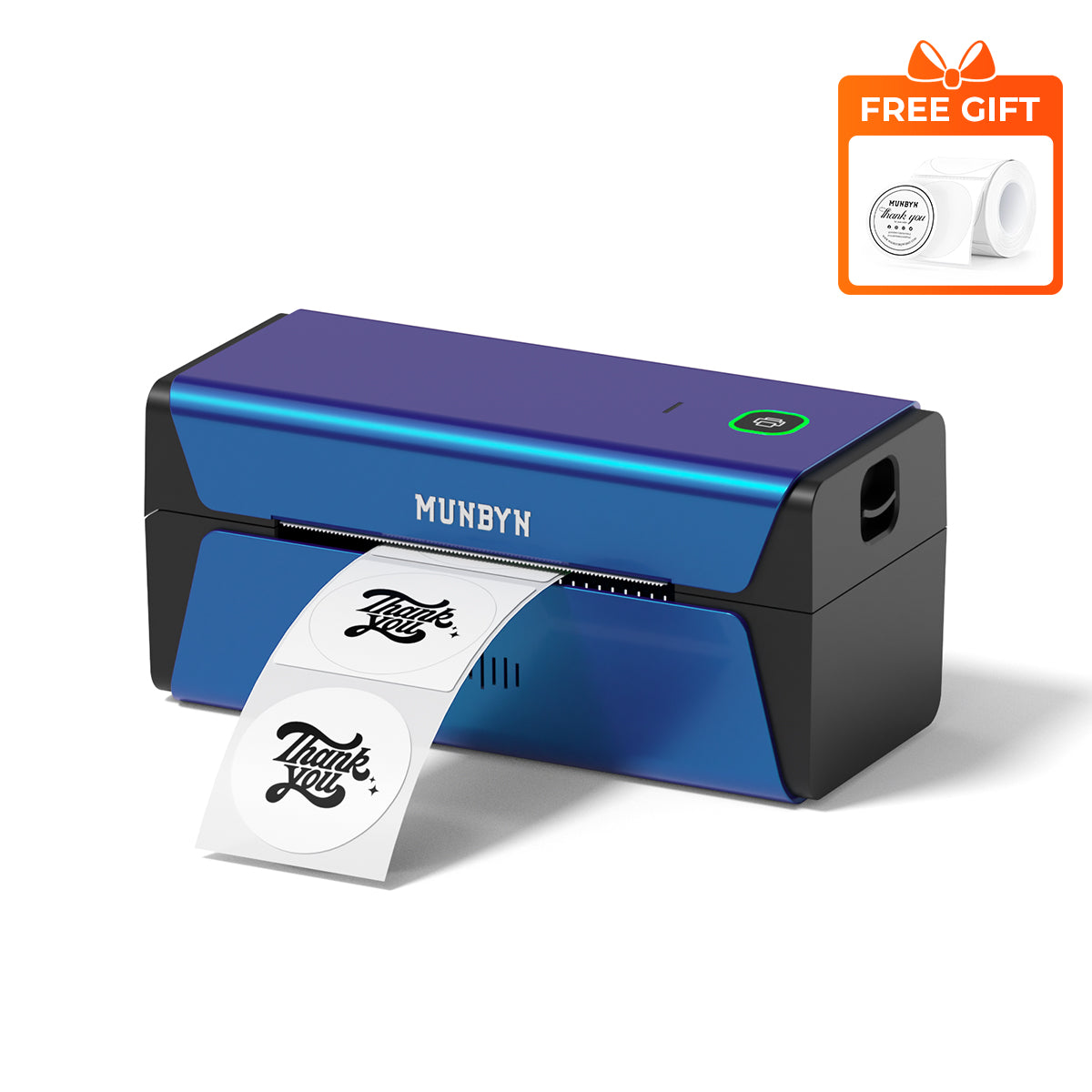
MUNBYN RW401AP AirPrint Thermal Label Printer
MUNBYN RW401AP 300DPI AirPrint Thermal Label Printer for Premium Product Labels
£239.99

Product details

Basic Introduction
SKU

- RW401AP-BL-UK

Moel Type

- 401AP

Resolution

- 300 DPI

Printing Speed

- 150 mm/s

Weight

- 0.815 Kg

Product Dimensions

- 198x96x109mm(L*W*H)

Compatibility
Connectivity

-WIFI:Windows/Mac/iOS/Android
-USB:windows、Mac os

Compatible Label Sizes

- 40-110 mm

Special Feature

- 5GHz Wi-Fi Technology
- Supports Apple Airprint
- 300DPI

Compatible Devices

- Laptops, PC, Smartphones, Tablets

Power Adapter

- 24V/2A

Others
Usage Scenarios

- Warehouses
- Retail
- Offices
- Business
- Home

Service Warranty

- 2-Year Warranty
- Technical Support

Included in the Box

  • Printer

  • USB Cable

  • Standard Plug

  • User Manual

  • Labels

  • Quick Tips

  • Adapter

Download our app

High-End Labels in Minutes

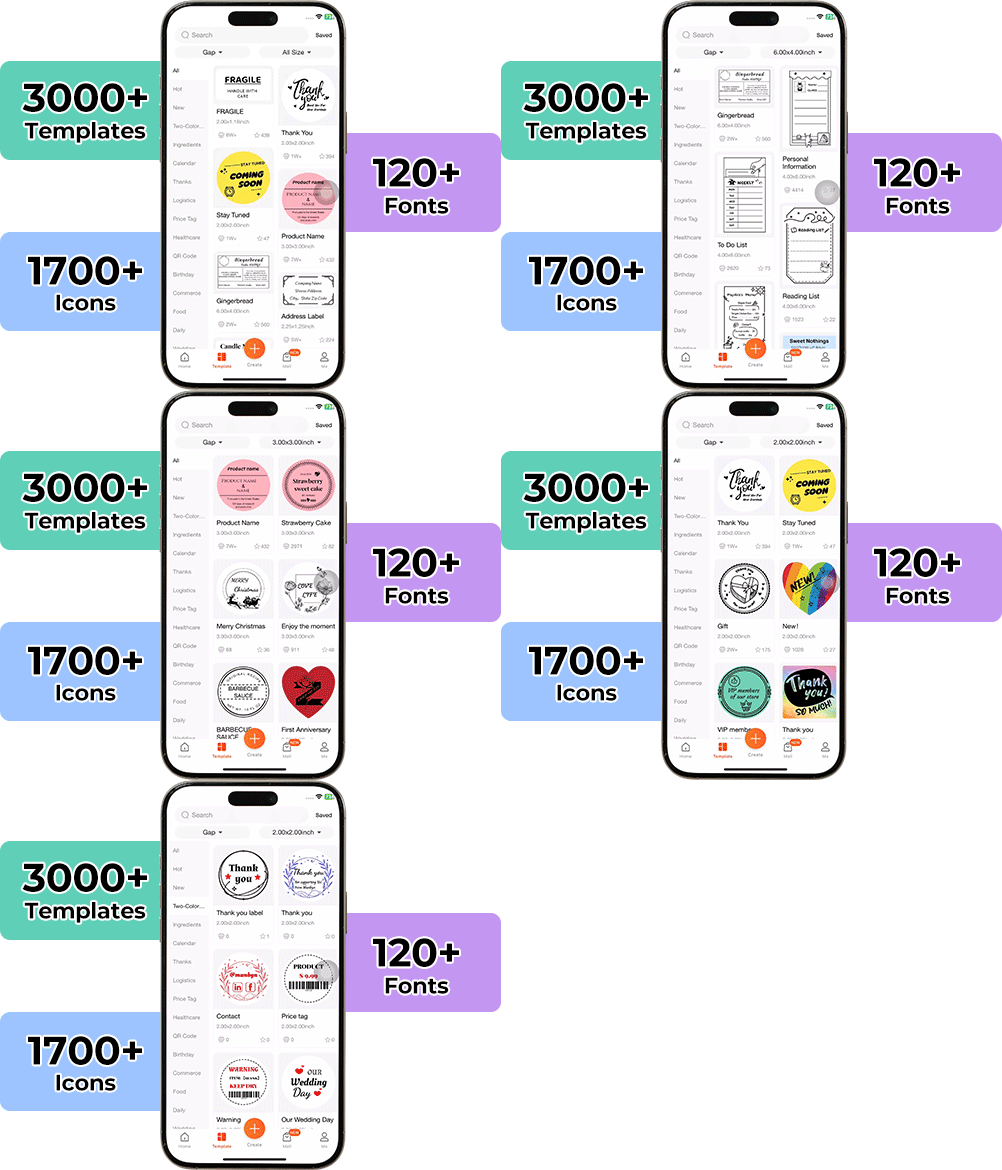
Designing custom packaging has never been this simple. Using the MUNBYN app and our versatile DIY Labels, you have a library of 3,000+ design assets and templates at your command.

Craft bespoke logos and promotional stickers that perfectly capture your brand's personality—all while keeping your budget in check.


Google Play

Google Play

Download Now

 
Online Editor

Online Editor

Create Now

 
User Manual

User Manual

Download Now

Setup Guides & Tutorials

Video

Explore Features

Product capability demonstrations and feature showcases.

Watch Features
Guide

Read Full Guide

Find FAQs, setup instructions, and driver downloads.

Read Full Guide
×
Connect the printer with macOS

Connect the printer with macOS

Watch Video →
Connect the printer with the iOS

Connect the printer with the iOS

Watch Video →
Connect the printer with the Android

Connect the printer with the Android

Watch Video →
Connect the printer with Chromebook

Connect the printer with Chromebook

Watch Video →
Connect the printer with Windows

Connect the printer with Windows

Watch Video →
Using “Munbyn Print”App to create custom labels

Using “Munbyn Print”App to create custom labels

Watch Video →
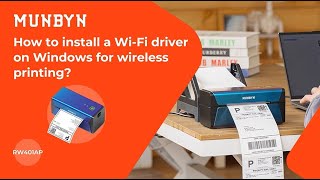
Install Wi-Fi driver on Windows for wireless printing

Install Wi-Fi driver on Windows for wireless printing

Watch Video →
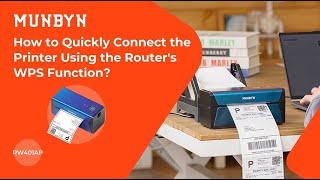
Quickly Connect the Printer via Router's WPS Function

Quickly Connect the Printer via Router's WPS Function

Watch Video →

AirPrint Printing Made Effortless

Designed for modern e-commerce businesses, this AirPrint thermal printer lets you print directly from your iPhone, iPad, or Mac. With WiFi, USB connectivity, and voice control, RW401AP delivers fast, professional-quality shipping, barcode, and product labels.

One AirPrint Printer. Every Device.

This AirPrint thermal printer seamlessly connects to iPhone, iPad, Mac, Windows PCs, and other compatible devices through AirPrint or USB. Whether you're managing an online store, warehouse, or home office, flexible connectivity keeps every workflow running smoothly.

300 DPI Labels That Elevate Every Shipment

Sharper Labels, Smarter Business

Create sharp, professional labels with a 300-DPI AirPrint thermal printer built for precision. Crisp text, scannable barcodes, and detailed graphics improve shipping accuracy while giving every package a polished, branded appearance.

Your all-in-one tool for major marketplaces and carriers, including but not limited to

Designed to print more than 980,000* labels in shipping labels

How People Use MUNBYN

Print life and label quantity estimates are based on laboratory calculations (150 KM printhead life × 4×6" label length). Actual performance may vary due to print frequency, label material, operating environment, and maintenance conditions.

Shipping Labels

Custom Labels

Barcode Labels

Fragile Labels

Branded Labels

Stickers for Daycare/School

FAQs

Please read our FAQs page to find out more.

Do I need Wi-Fi to use the MUNBYN AirPrint label printer?

No. Wi-Fi is not required to use it. You can connect the printer to your computer via USB for reliable wired printing, or use Wi-Fi for convenient wireless printing. Apple users can also print directly from compatible devices with AirPrint, without installing additional drivers.

Can I print from an Android phones?

Yes. You can easily print shipping labels and other compatible labels from your Android phone using the MUNBYN Print app. Simply connect your MUNBYN printer to the app and start printing directly from your mobile device.

Is Wi-Fi better than Bluetooth for label printing?

It depends on your needs. Wi-Fi is ideal for busy home offices and small businesses because multiple devices on the same network can access the printer without repeatedly reconnecting. Bluetooth, on the other hand, is convenient for direct wireless printing from a nearby compatible device. If you need to share the printer across multiple devices, Wi-Fi offers greater flexibility.

Can multiple people share one MUNBYN printer?

Yes. Once connected to your Wi-Fi network, the MUNBYN AirPrint thermal printer can be accessed by multiple compatible devices on the same network. This makes it a convenient choice for shared workspaces, home offices, and growing small businesses that need to print labels from different devices.

Is 203 DPI enough?

For standard shipping labels, a 203 DPI label printer provides clear, reliable printing suitable for everyday logistics.

If your labels contain very fine details or small graphics, you may prefer the RW401AP's 300 DPI 0r RW941BP's 300 DPI for enhanced clarity.

Can I print labels from Shopify, Etsy and eBay?

Yes. MUNBYN AirPrint label printer works with labels generated from major eCommerce platforms and shipping carriers, including Shopify, Etsy, eBay, Amazon, Royal Mail, DHL, DPD, UPS, and more.

What makes the AirPrint printer different from standard USB label printers?

Unlike traditional USB-only printers, the model supports Wi-Fi and Apple AirPrint, giving you greater flexibility to print from computers and compatible mobile devices without being tied to a cable.

Do I need special labels?

No. The MUNBYN AirPrint printer works with standard direct thermal labels that meet the printer's supported size and specification requirements. No ink or toner is needed, making it easy to print shipping labels and other compatible labels.

Didn’t find your answer?

Don't hestitate to contact us

Free shipping and returns